Clinical Notes & Note Templates
Write the visit note with the session in view
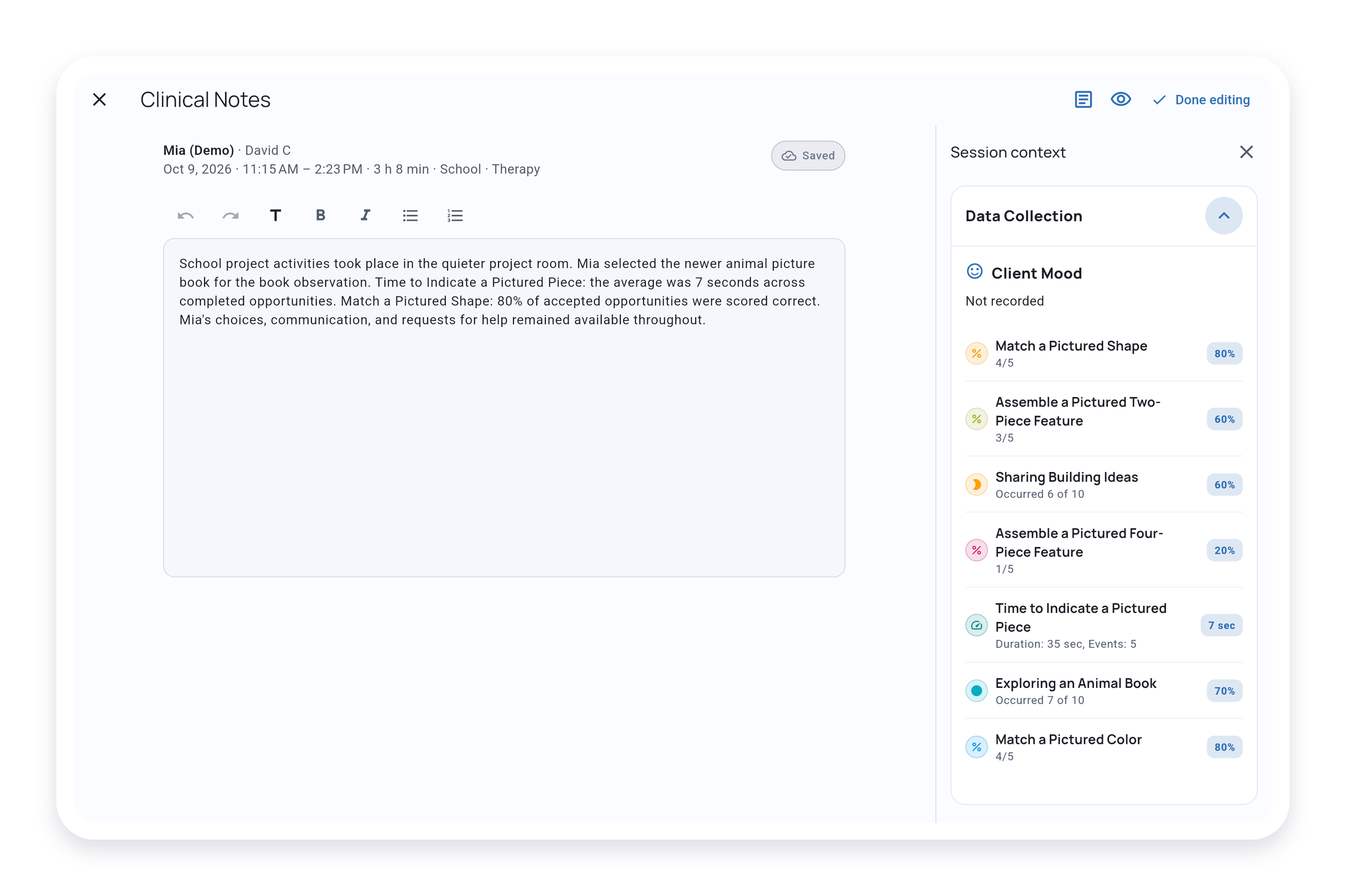
Bring recorded data and Quick Notes into your writing workspace, so the details you captured stay close at hand as you describe the visit.
Start with a familiar note format or reuse a template that fits your work.
Availability: Formatted writing and templates on Solo and Teams
Why it matters
From session details to a finished note
Keep the details close
Refer to recorded measurements and Quick Notes while you develop your narrative.
Make your structure reusable
Keep the headings, prompts, and choices you use often, with room for the observations specific to each visit.
Review before you share
Preview your note as a PDF, then export the Service Record to share the note with its visit data.
Explore next
See how notes fit your workflow
Explore visit records and reporting, or open a guide when you are ready to write your first note.
Clinical Notes & Note Templates questions
Which plans include formatted notes and templates?
Basic notes are available on Free. Formatted writing and note templates are available on Solo and Teams.
Can I use my own note format?
Yes. Use a built-in format such as SOAP, DAP, BIRP, or School observation, or create custom sections and fields that fit your documentation.
Can my team use the same templates?
Yes. Teams can share note templates so staff start from a common structure and add the details of each visit. Solo templates are for your own use.
Keep the visit fresh in your notes
Write with the data you collected nearby and a structure you can use again.