Joining a Team
Accept an invitation and start collecting behavior data with your team.
2 min Updated December 15, 2025
Accept a Team Invitation
When a team admin invites you, you’ll receive an email with a join link.
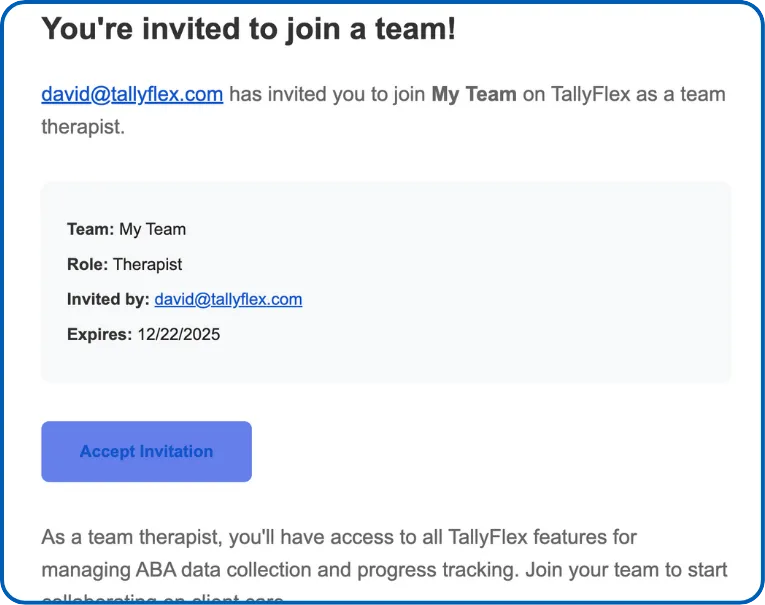
Two Ways to Join
Option 1: Email Invitation (Most Common)
- Check your email for an invitation from TallyFlex
- Tap Join Team in the email
- Create an account or sign in
- You’re automatically added to the team
Option 2: Contact Support
If you need to join a team but haven’t received an invitation:
- Ask your team admin to send an invitation
- Or contact support@tallyflex.com for assistance
After Joining
Once you’ve joined a team:
- Assigned clients appear on your dashboard
- Admins also see the team icon for Team Management
Note: You won’t see any clients until a team admin grants you access to specific caseloads.
What’s Next?
- Roles and Permissions - Understand what your role allows
- Client Overview - Navigate client profiles
- Start a Session - Begin collecting data
Need Help?
Questions about joining a team? Email support@tallyflex.com for assistance.