Your Caseload

View all clients, filter by status, and access individual dashboards.

2 min Updated December 10, 2025

Your Caseload

View all clients in one organized list.

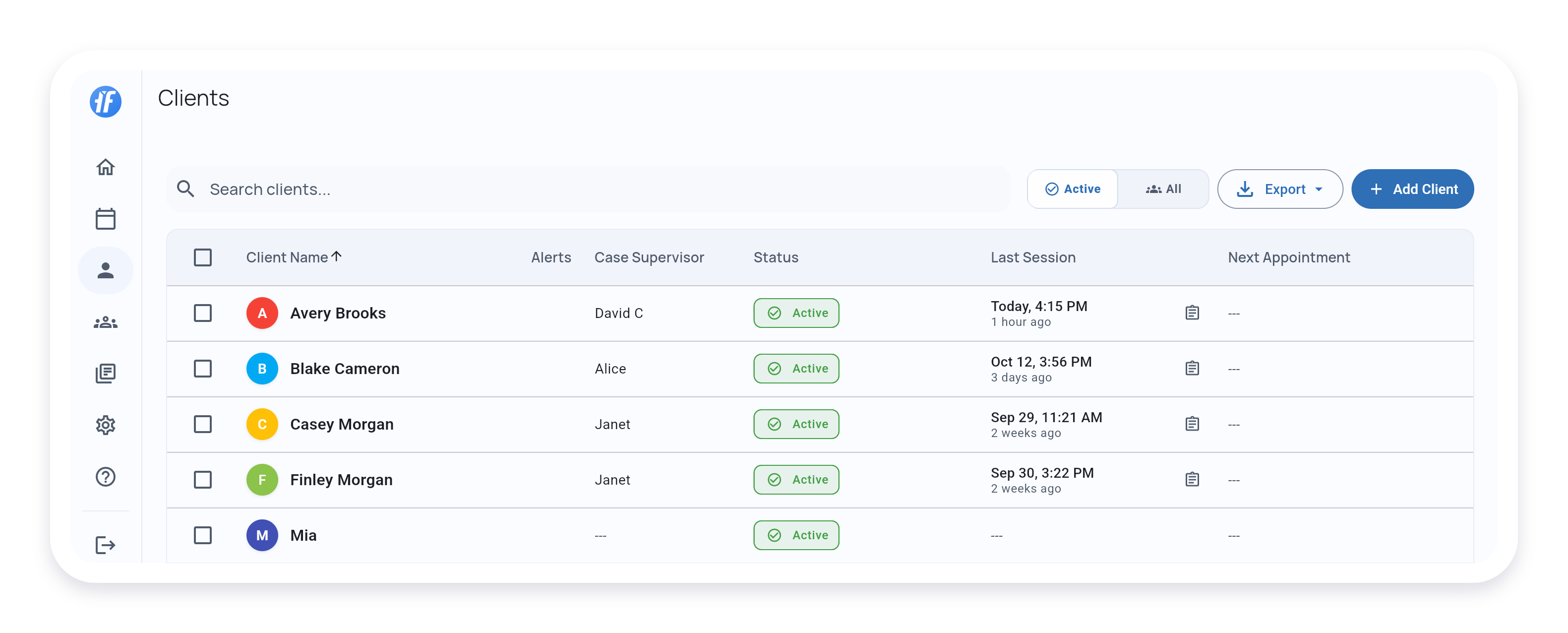
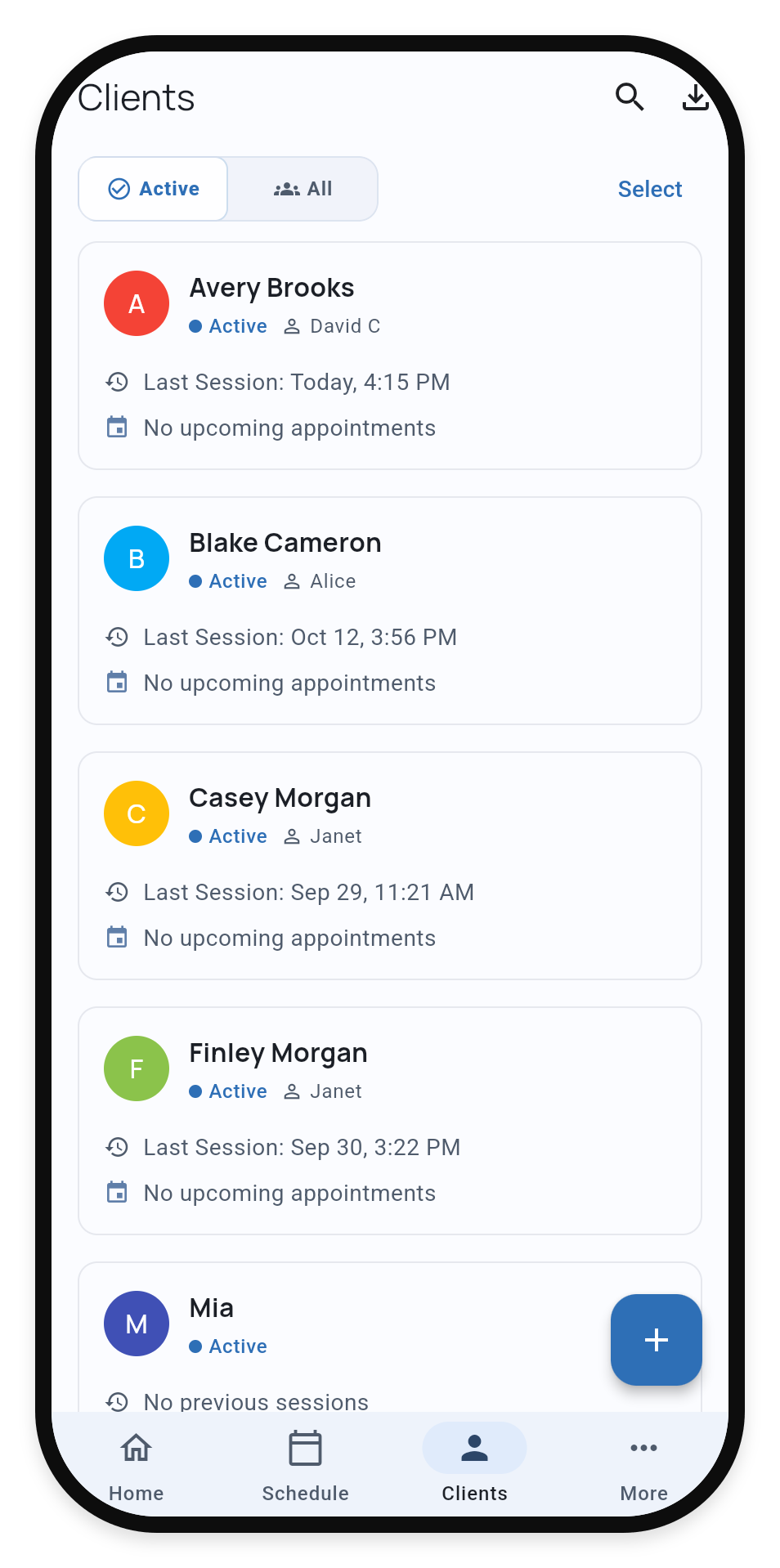
Client list showing names, status, last session, and next appointment


Client Details

Each entry shows:

Name - Select to open client dashboard

Case Supervisor - Assigned BCBA (Teams plan only)

Status - Active or Archived

Last Session - Date, time, and how long ago. Select to view session summary.

Next Appointment - Shows “Today 2:00 PM” for today, “Tomorrow 3:30 PM” for tomorrow, or full date for later appointments

Alerts - Coming soon


Filter and Sort

Filter - View Active clients or All (includes archived)

Sort - Order by Student Name, Last Session, Next Appointment, or Status

Search - Type student name


Add Student

Select + to create a new client profile.

See Add a Student for step-by-step guide.


What’s Next?

Once you’ve navigated to a client, explore:


Need Help?

Questions about the client list? Email support@tallyflex.com for assistance.