Create Appointments
Schedule one-time or recurring therapy sessions for yourself or team members.
Schedule a visit
Open Schedule, then select Add Appointment. On a phone, tap +.
Choose the client or student, date, and start and end times. Choose the appointment type and the setting where the visit will take place.
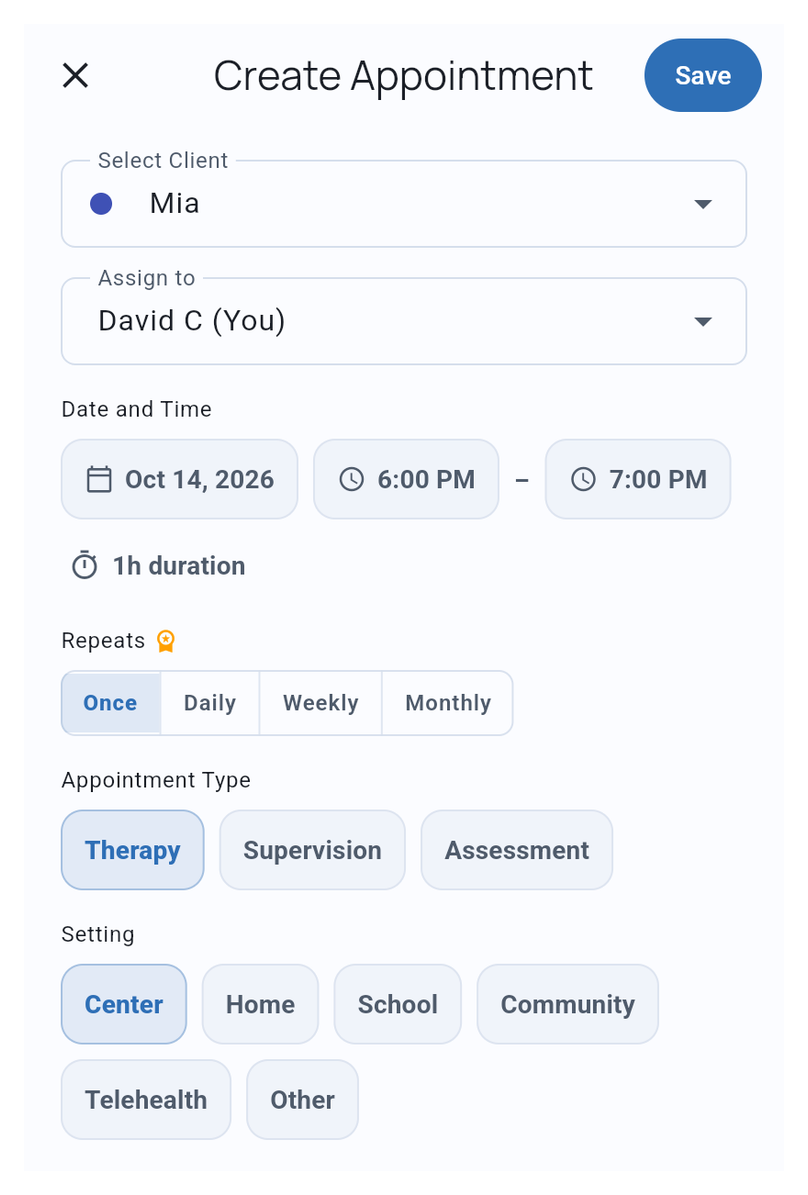
Assign to is available to Owners, Administrators, and the client’s Case Supervisor when other people have access to the client. Choose the person who will carry out the visit.
For repeated visits, choose Daily, Weekly, or Monthly under Repeats and set the pattern. Recurring appointments require Solo or Teams. Leave Once selected for a single visit.
Select Save, then find the appointment on the calendar. If you’re practicing with Mia, select her in the schedule filter to see her appointments.
If the visit already took place, document the past appointment to add observations or use data recorded before creating the appointment.
See Manage Appointments to start a session or change a scheduled visit.